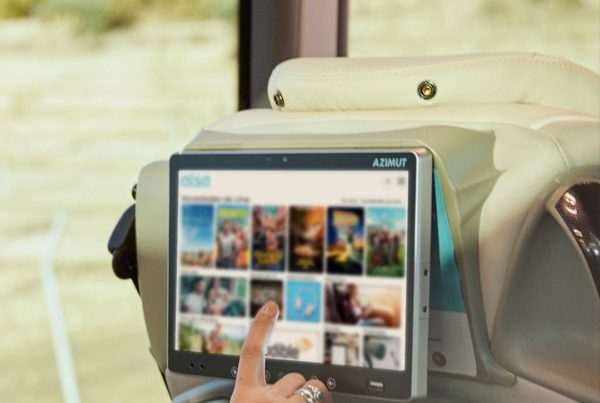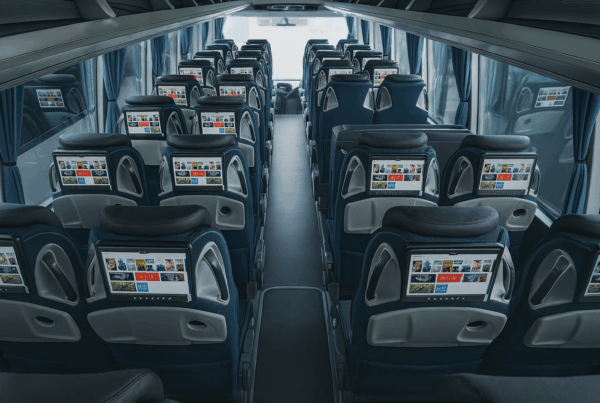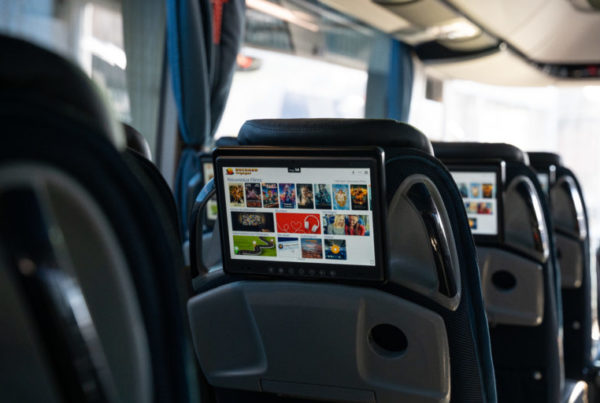
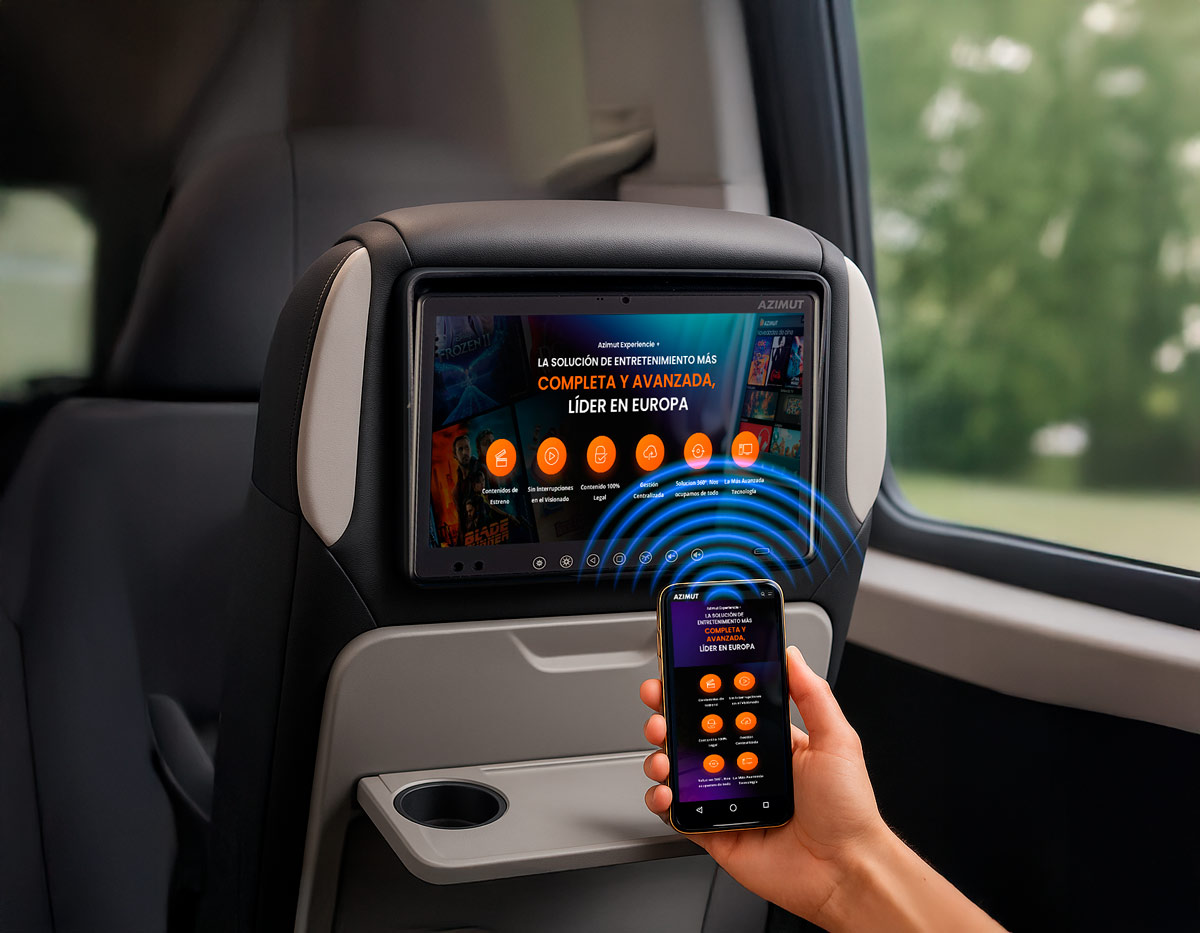
With the new AZIMUT Screen Cast functionality, the passenger can play the content of his smartphone or tablet directly on the screen of his seat, via wireless or wired connection. A simple and flexible way to enjoy your videos, series or music in large format during the trip.
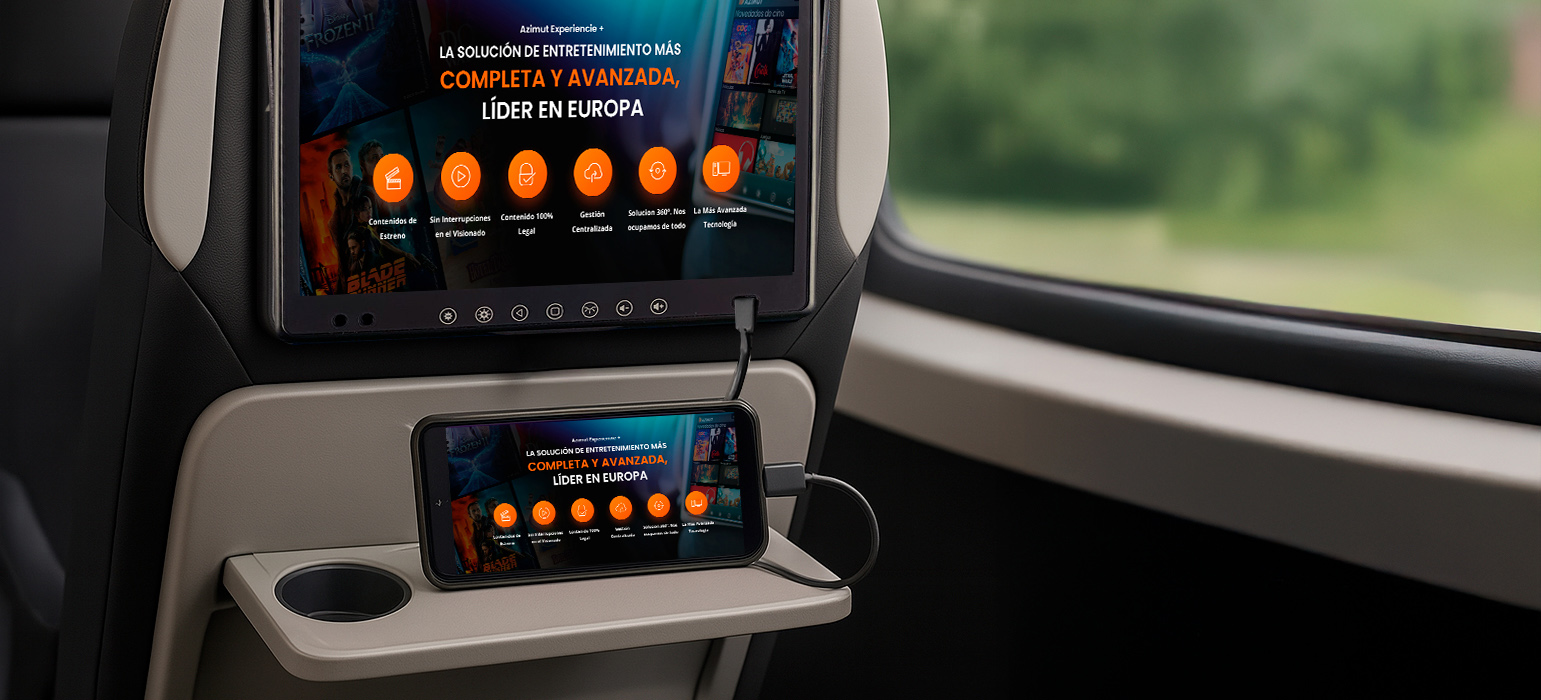
Cable connection:
Allows the passenger to connect their mobile device directly to the Azimut Experience+ system screen via a USB-C cable*. This option ensures a smooth and stable connection, ideal for playing movies, series, videos, photos or any content.
Operation for the user:
- Select "USB Screen In" from the screen menu.
- Connect the smartphone with a compatible USB-C cable.
- The device's display will automatically be mirrored on the vehicle's screen.
* Requires mobile device and USB-C cable to be DisplayPort compatible.
By using the cable connection, DRM-protected content can be displayed on the on-board display.
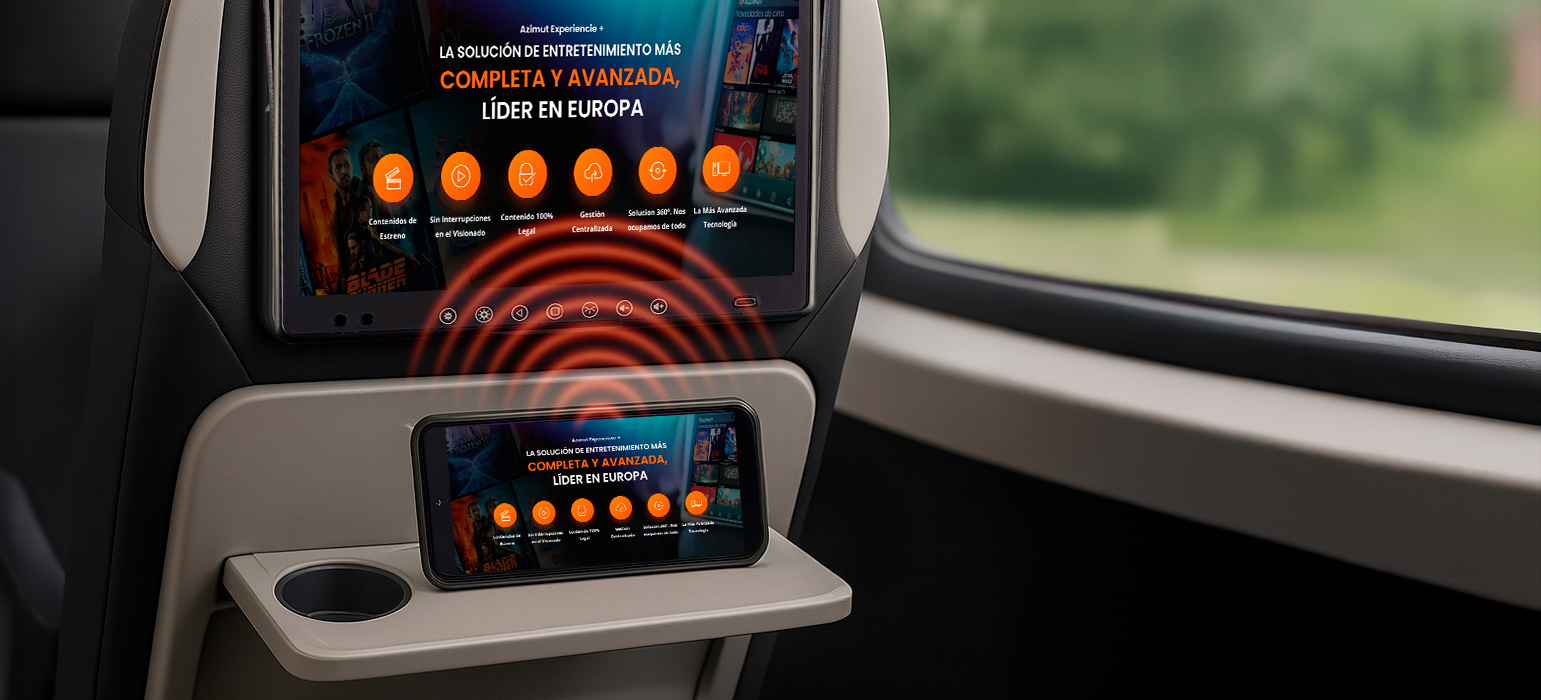
Wireless connection:
Mirrors the user's device screen* directly to the onboard display via wireless connection. This functionality takes advantage of onboard Wi-Fi to provide a fast, convenient and accessory-free option.
The passenger will enjoy on a 10″ screen their own content: from watching videos, browsing or using their favorite apps, without cables or additional installations.
Some examples: YouTube, social networks, Internet browsing, Twitch, Pluto TV, among others.
Operation for the user:
- Select "Connect to this screen via Wi-Fi" on the screen.
- Scan the QR code shown.
- Follow the steps on the phone to authorize the connection.
- Personal content will be reflected on the system screen.
* Requires MiraCast compatible mobile devices.
It is currently possible to share non-DRM protected content. Our R&D team is working on certification to enable viewing of DRM content as well.
Enhance your brand and boost your business